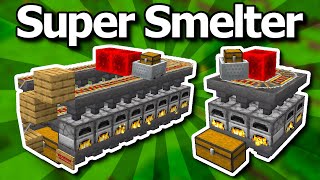
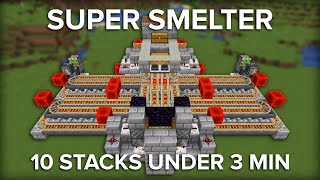
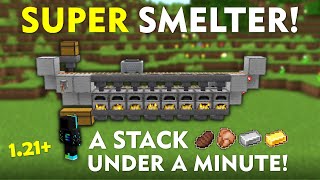
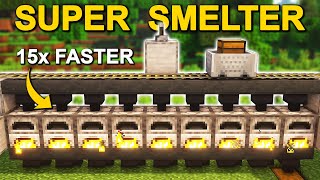
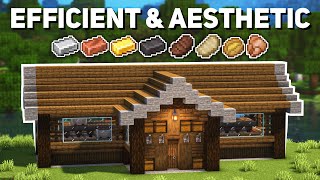
What Is an Auto Smelter in Minecraft Java Edition?
An auto smelter is a redstone contraption that automatically cooks items such as ores, food, or sand without the player having to manually place and retrieve each stack. It streamlines the smelting process, saves time, and is especially useful for large‑scale farms or when you need a constant supply of smelted goods.
Why Build an Auto Smelter?
- Efficiency: One click can start the smelting of dozens of stacks.
- Convenience: The device runs continuously as long as it has fuel and power.
- Scalability: You can expand the system to handle multiple furnaces for faster throughput.
- Resource Management: By linking the smelter to a hopper system, you can automatically feed ores and collect finished products.
Materials You’ll Need
- Furnaces – the number depends on how fast you want to smelt. Four to eight furnaces are common for a compact design.
- Hoppers – for feeding items into furnaces and pulling the output out.
- Chest or Barrels – to store raw materials and collect finished items.
- Redstone Dust – to create the power lines.
- Redstone Repeaters – to delay signals and keep furnaces active.
- Redstone Torches – for simple power sources.
- Comparator – to detect when a furnace is full and stop the input.
- Fuel (coal, charcoal, or lava buckets) – the smelter will need a constant source.
- Optional: Droppers or dispensers – for more advanced fuel automation.
Step‑by‑Step Guide to Building a Basic Auto Smelter
1. Layout the Furnaces
Place the furnaces in a line, leaving a one‑block gap between each. This gap will hold a hopper that feeds items into the furnace below.
2. Add Hoppers for Input
Place a hopper on top of each furnace, facing into the furnace’s top slot. Connect the hoppers to a chest or barrel that will hold your raw items. The hopper will automatically pull items from the chest and push them into the furnace.
3. Set Up Hoppers for Output
Under each furnace, place another hopper that faces into a central collection chest. This hopper will pull the smelted items from the furnace’s bottom slot.
4. Power the Furnaces
Run redstone dust along the side of the furnace row. Use a redstone torch at one end to provide a constant signal. Add a redstone repeater every three blocks to maintain signal strength.
5. Install a Comparator for Fuel Management
Place a comparator facing away from each furnace. Connect the comparator output to a redstone line that leads to a redstone torch. When the furnace runs out of fuel, the comparator will detect a change and deactivate the torch, stopping the input hopper and preventing items from piling up.