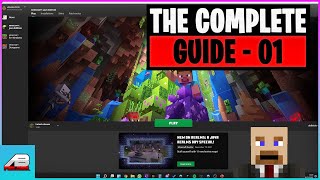
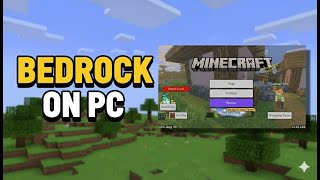
Minecraft Launcher Bedrock Guide: A Complete Walk‑through
If you’re looking to play the Bedrock edition of Minecraft on PC, a reliable launcher is essential. This guide walks you through everything you need—from preparing your system to downloading the LeviLauncher, backing up your worlds, and even downgrading to older versions when required.
What Is the Bedrock Launcher?
The Bedrock Launcher is the gateway that lets you launch the cross‑platform version of Minecraft on Windows, macOS, and Linux. Unlike the Java edition, Bedrock runs on a unified engine, offering smoother performance on lower‑end hardware and access to the Minecraft Marketplace. While the official Microsoft launcher works for most players, many prefer third‑party launchers for added flexibility, faster updates, and custom profile management.
Official vs. Third‑Party Launchers
- Official Microsoft Launcher – Guarantees the latest updates and seamless account integration.
- LeviLauncher for Bedrock – Provides quick version switching, easier mod handling, and a clean UI designed for power users.
- Other community launchers – May offer unique features but can be less stable or lack official support.
Preparing Your System
Before you dive into the download, make sure your computer meets these minimum requirements:
- Operating System: Windows 10 (1809 or later), macOS 10.15+, or a recent Linux distribution.
- CPU: Intel i3‑series or AMD equivalent.
- RAM: 2 GB (4 GB recommended).
- Graphics: DirectX 11 compatible GPU.
- Internet connection for initial download and future updates.