What Is a Minecraft Skin Editor?
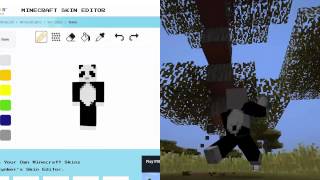
A Minecraft skin editor is a specialized graphics tool that lets players design or modify the 64 × 64 (or 64 × 32) pixel‑art textures that wrap a character model in Minecraft. These editors provide a visual grid, color palettes, and often layer support, making it easier than hand‑drawing a skin in a generic picture program. The result is a custom appearance that can be uploaded to the official Minecraft website or applied directly in the game.
Getting Started: Choosing the Right Editor
The market offers both free online editors and downloadable desktop applications. Your choice depends on convenience, feature set, and whether you prefer working in a browser or offline.
Free Online Options
- SkinEdit – a web‑based editor with a simple interface, layer toggles, and an export button.
- Tynker's Skin – part of the Tynker coding platform, it integrates tutorials for younger creators and includes a “Everything About Creating Custom” guide.
- Nova Skin – offers a rich set of brushes, a library of community skins, and direct upload to the Minecraft profile.
Desktop Applications
- Minecraft Skin Studio – provides advanced tools such as symmetry mode, animation preview, and batch export.
- Paint.NET with a Skin Plugin – a free image editor that can be extended to support the Minecraft skin format.
- GIMP – open‑source software that, with a custom template, works well for detailed pixel art.
Step‑by‑Step Guide to Creating Your Own Skin
Below is a practical workflow that works with any of the editors mentioned above.
1. Preparing a Base Template
- Download the official Steve or Alex template from the Minecraft website.
- Open the template in your chosen editor. Most editors